

-
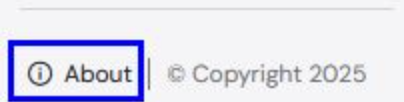
Click the About link at the bottom left corner of the Navigation Panel.
-
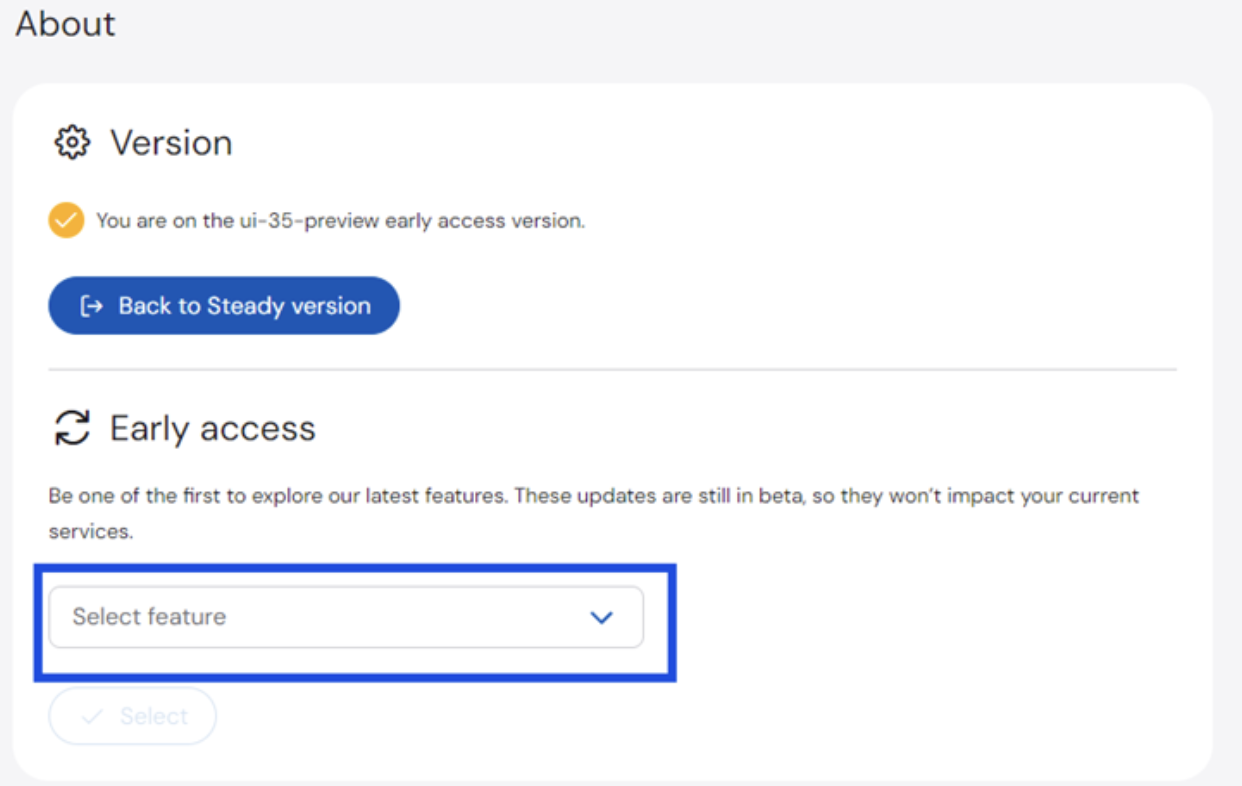
On the About page > Early Access section, click the dropdown list and select the feature you want to enable.
 To disable an Early Access Feature, click Back to Steady version.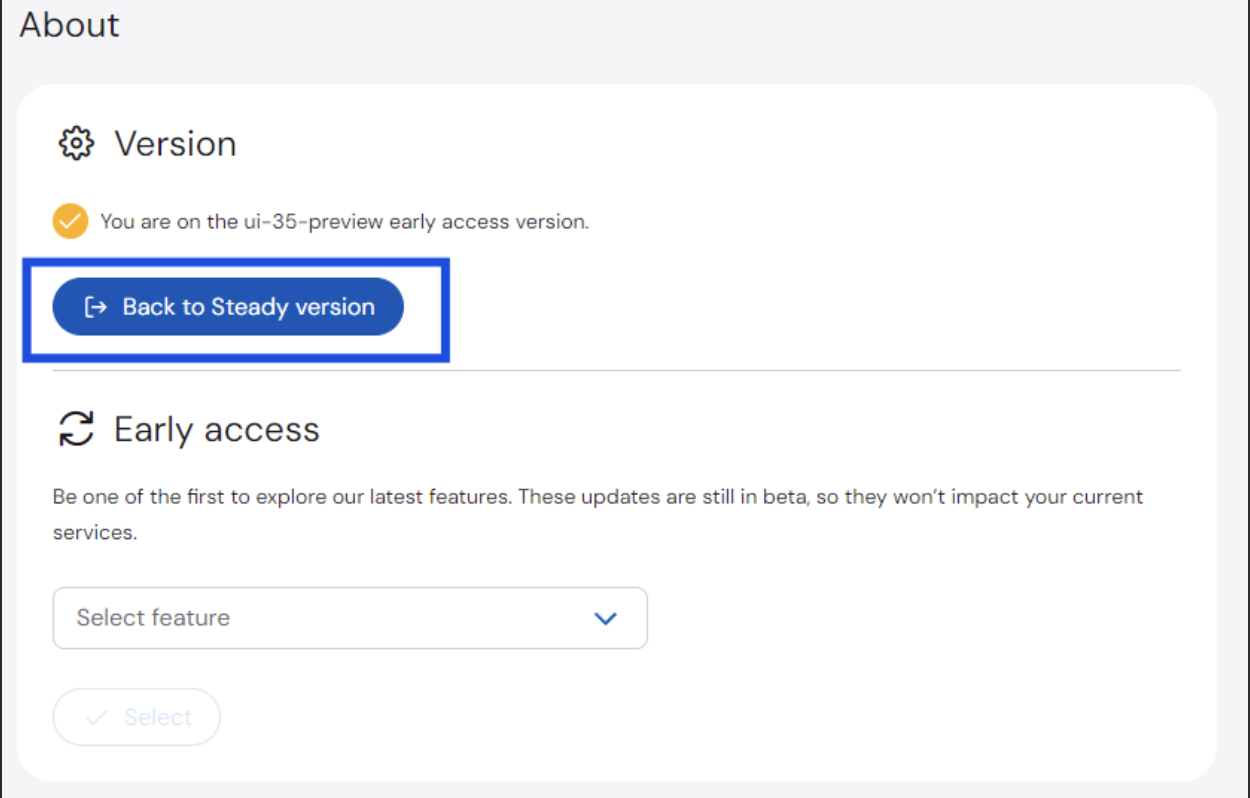
Automated Policy Manager
Early Access Features
Before new features are available for all users in the portal, these will be available to customers as Early Access Features.
To enable early access features: