- Go to Data Sources > Hunting Library.
- Click Create Custom Query. The New Query section appears.
- Enter your query in the New Query field.
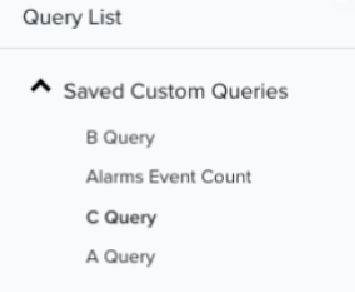
- Select the Favorite checkbox before saving or running it. This places your custom query at the top of your Saved Custom Queries list. Example: In the sample screenshot below, queries B Query and Alarms Event Count are tagged as favorites; therefore, appearing at the top of the list. Meanwhile, C Query and A Query have been saved without being tagged as favorites.